# How to Create a Sudoku Solver in Java
## Introduction
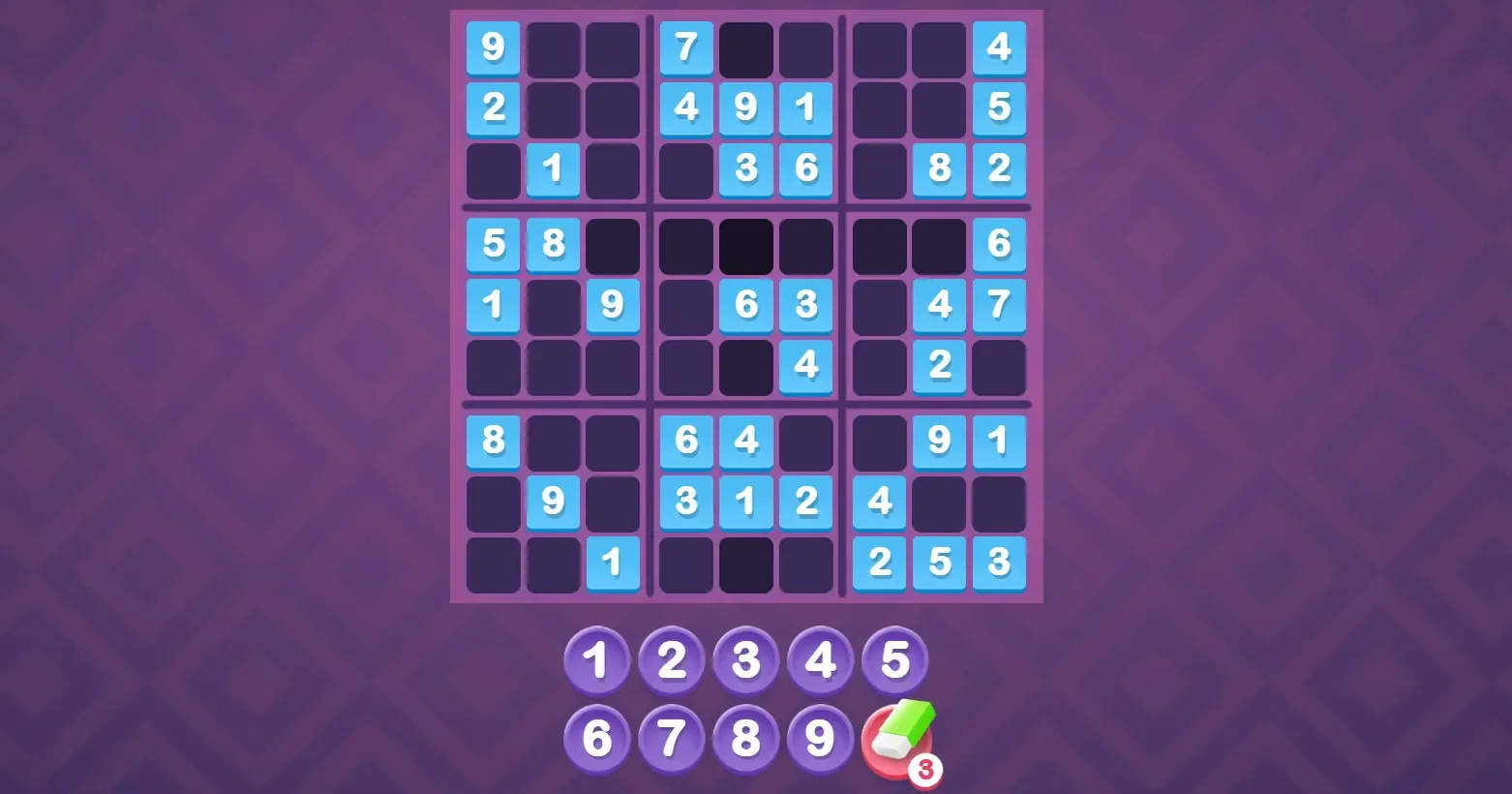
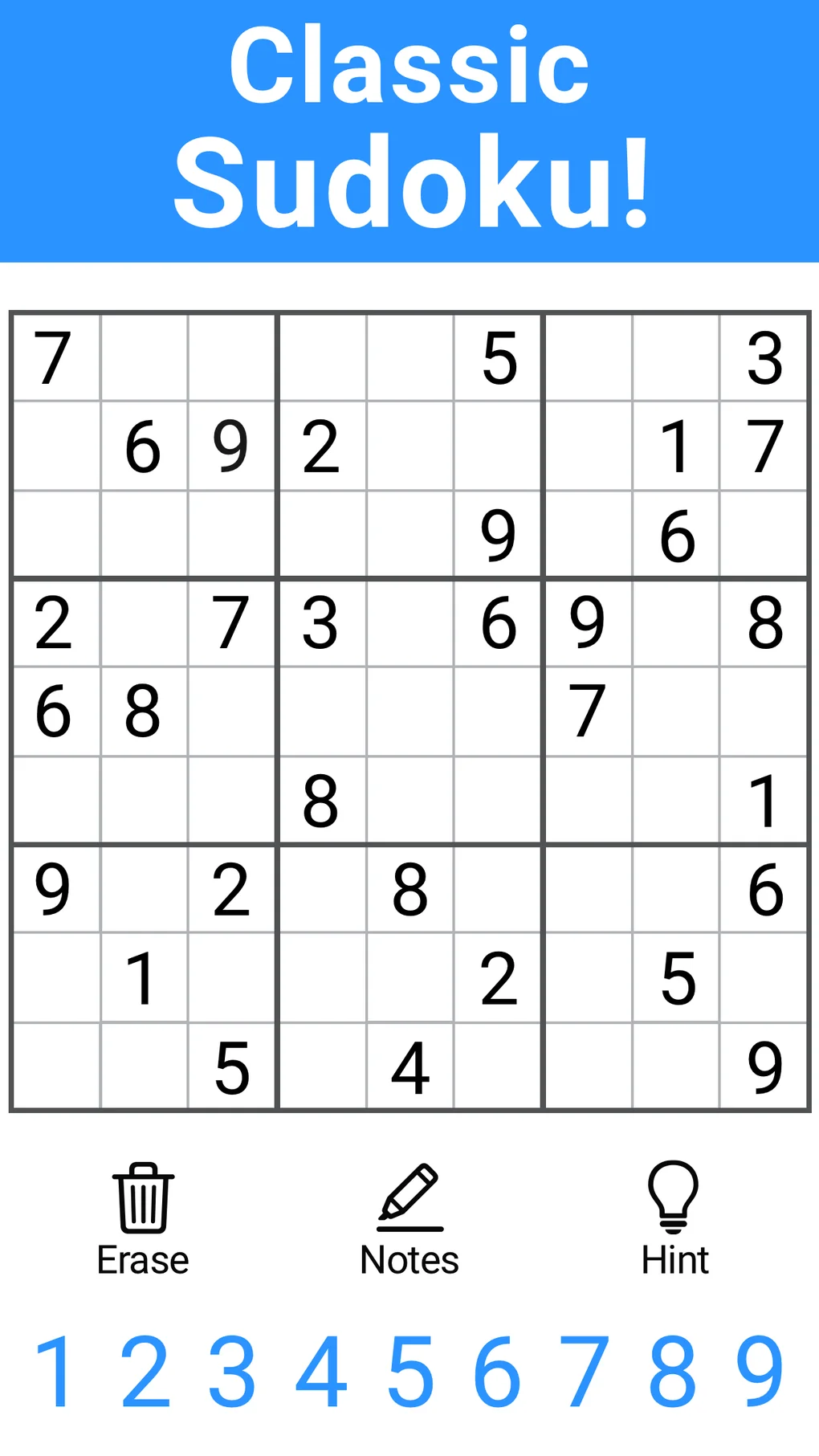
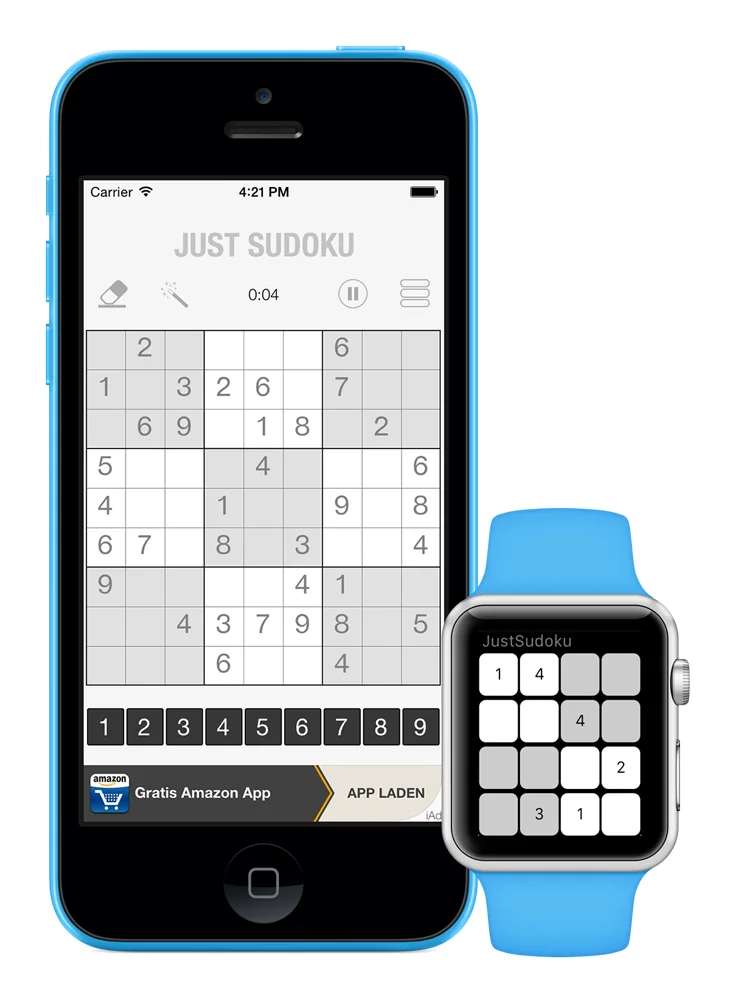
Sudoku is a popular puzzle game that requires players to fill a 9×9 grid with numbers so that each column, each row, and each of the nine 3×3 subgrids that compose the grid contain all of the digits from 1 to 9. Creating a Sudoku solver in Java can be a fun and educational project. This guide will walk you through the process of making a basic Sudoku solver in Java.
## Step-by-Step Guide
### Step 1: Set Up Your Java Environment
Before you start, ensure you have Java Development Kit (JDK) installed on your computer. You can download it from the official Oracle website or use an open-source alternative like OpenJDK.
### Step 2: Create a Sudoku Grid
To solve Sudoku, you need a grid to work with. You can create a 2D array to represent the Sudoku grid in Java.
“`java
int[][] board = new int[9][9];
“`
### Step 3: Fill the Grid with Puzzles
To make the solver work, you need to input a partially filled Sudoku grid. This can be done by assigning values to the array.
“`java
board[0][0] = 5;
board[0][1] = 3;
// … Fill the rest of the grid
“`
### Step 4: Implement the Solver Logic
The core of the Sudoku solver is the logic that determines if a number can be placed in a specific cell. Here’s a basic approach:
– Check if the number already exists in the same row.
– Check if the number already exists in the same column.
– Check if the number already exists in the same 3×3 subgrid.
“`java
boolean isValid(int row, int col, int num) {
for (int i = 0; i < 9; i++) {
if (board[row][i] == num || board[i][col] == num) {
return false;
}
}
int startRow = row - row % 3;
int startCol = col - col % 3;
for (int i = startRow; i < startRow + 3; i++) {
for (int j = startCol; j < startCol + 3; j++) {
if (board[i][j] == num) {
return false;
}
}
}
return true;
}
```
### Step 5: Implement the Backtracking Algorithm
Backtracking is a common technique used to solve Sudoku puzzles. It involves trying to place a number in a cell and recursively trying to solve the puzzle. If a number doesn't lead to a solution, it backtracks and tries the next number.
```java
boolean solveSudoku() {
for (int row = 0; row < 9; row++) {
for (int col = 0; col < 9; col++) {
if (board[row][col] == 0) {
for (int num = 1; num <= 9; num++) {
if (isValid(row, col, num)) {
board[row][col] = num;
if (solveSudoku()) {
return true;
}
board[row][col] = 0;
}
}
return false;
}
}
}
return true;
}
```
### Step 6: Run the Solver
Finally, you can run the solver by calling the `solveSudoku()` method and printing the solved grid.
```java
public static void main(String[] args) {
int[][] board = {
// ... Initialize your Sudoku board
};
if (solveSudoku()) {
printBoard(board);
} else {
System.out.println("No solution exists");
}
}
```
## Frequently Asked Questions (FAQ)
**Q: Can I use this solver for any Sudoku puzzle?**
A: Yes, this solver is designed to work with any valid Sudoku puzzle. It can handle puzzles with different difficulty levels.
**Q: How can I customize the solver to solve puzzles with different sizes?**
A: You can modify the solver to handle puzzles of different sizes by adjusting the grid size and the subgrid size calculations.
**Q: Can I make the solver more efficient?**
A: Yes, you can optimize the solver by implementing additional techniques such as constraint propagation, heuristic selection, and forward checking.
**Q: Where can I find more resources on Java programming?**
A: There are numerous online resources, including tutorials, forums, and documentation available. Websites like Oracle's Java Tutorials, Stack Overflow, and Codecademy offer valuable learning materials.