### Sudoku Android Code: A Comprehensive Guide
#### Understanding Sudoku
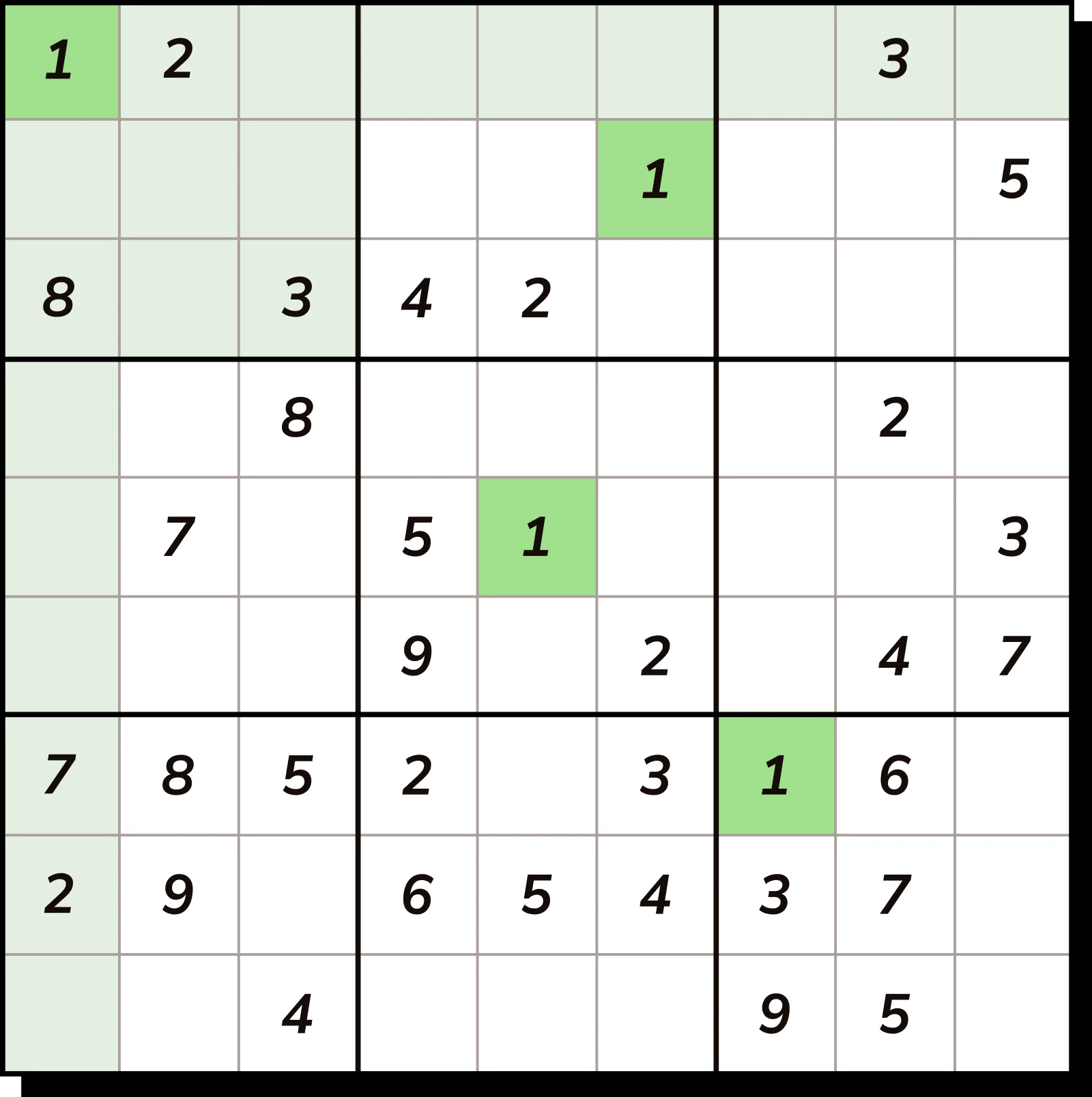
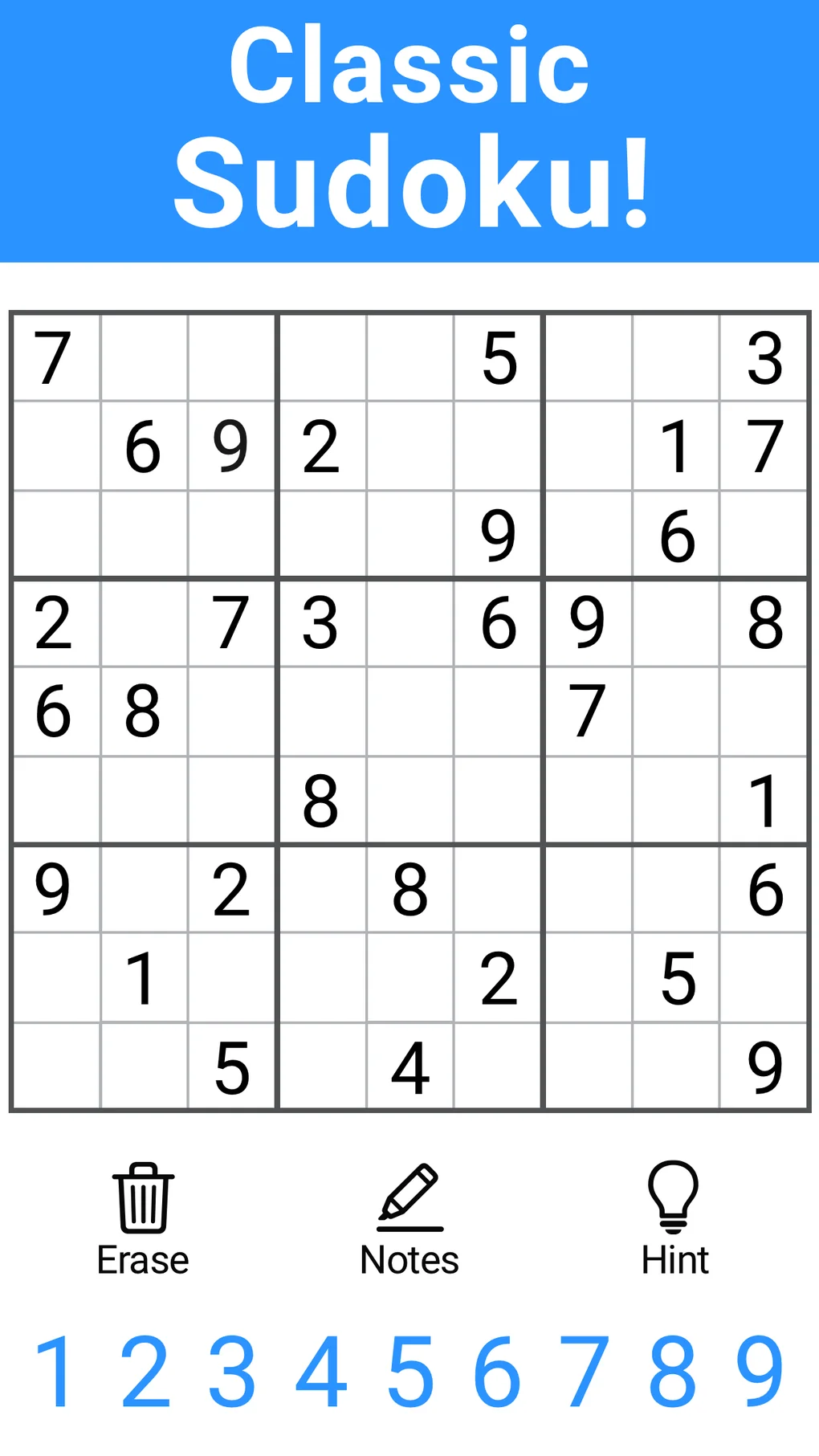
Sudoku is a popular puzzle game that involves filling a 9×9 grid with digits so that each column, each row, and each of the nine 3×3 subgrids that compose the grid (also called “boxes”, “blocks”, or “regions”) contain all of the digits from 1 to 9. The puzzle setter provides a partially completed grid, which for a well-posed puzzle has a single solution.
#### Getting Started with Sudoku Android Code
##### 1. Setting Up the Project
To begin coding a Sudoku game for Android, you’ll need to set up an Android development environment. This includes installing Android Studio, the official IDE for Android development, and creating a new Android project.
“`java
// Example of creating a new Android project in Android Studio
File newProjectDir = new File(“/path/to/new/project”);
ProjectUtils.createAndroidProject(newProjectDir, “SudokuGame”, “1.0”, “Sudoku Game”, “com.example.sudokugame”, “1.0”, true);
“`
##### 2. Designing the User Interface
The user interface (UI) is crucial for a Sudoku game. You’ll need to design a grid where users can input numbers. Here’s a basic layout using XML:
“`xml
“`
##### 3. Implementing the Logic
The core of the Sudoku game is the logic that solves and validates the puzzle. You can implement this using a backtracking algorithm, which is a common approach for solving Sudoku puzzles.
“`java
public boolean solveSudoku(char[][] board) {
for (int row = 0; row < 9; row++) {
for (int col = 0; col < 9; col++) {
if (board[row][col] == '.') {
for (char c = '1'; c <= '9'; c++) {
if (isValid(board, row, col, c)) {
board[row][col] = c;
if (solveSudoku(board))
return true;
board[row][col] = '.';
}
}
return false;
}
}
}
return true;
}
private boolean isValid(char[][] board, int row, int col, char c) {
// Check if 'c' is not already placed in the current row, column, and 3x3 subgrid
// Return true if 'c' can be placed in the board at the given position
}
```
#### Frequently Asked Questions (FAQ)
**Q: How do I handle user input in the Sudoku game?**
A: You can set up event listeners on the buttons representing each cell in the Sudoku grid. When a user taps on a cell, you can enable or disable the buttons to allow them to input numbers.
**Q: What is the best way to validate a user's input?**
A: After a user enters a number, you should validate it against the Sudoku rules. This means checking if the number is already present in the same row, column, or 3x3 subgrid. If it is, you should display an error message and allow the user to correct their input.
**Q: Can I optimize the Sudoku solving algorithm?**
A: Yes, you can optimize the solving algorithm by implementing more advanced techniques such as constraint propagation, heuristic-based backtracking, or using a constraint solver library.
**Q: How can I add a timer to the Sudoku game?**
A: To add a timer, you can use a `Handler` and a `Runnable` to update the timer display every second. You can start the timer when the game begins and stop it when the game is over.
```java
Handler timerHandler = new Handler();
Runnable timerRunnable = new Runnable() {
@Override
public void run() {
// Update the timer display
timerHandler.postDelayed(this, 1000);
}
};
timerHandler.postDelayed(timerRunnable, 0);
```
**Q: What are some best practices for Android development?**
A: Best practices for Android development include using the latest version of Android Studio, following the Material Design guidelines, optimizing performance, and ensuring your app is compatible with a wide range of devices.
By following these guidelines and continuously testing your application, you can create a robust and user-friendly Sudoku game for Android.