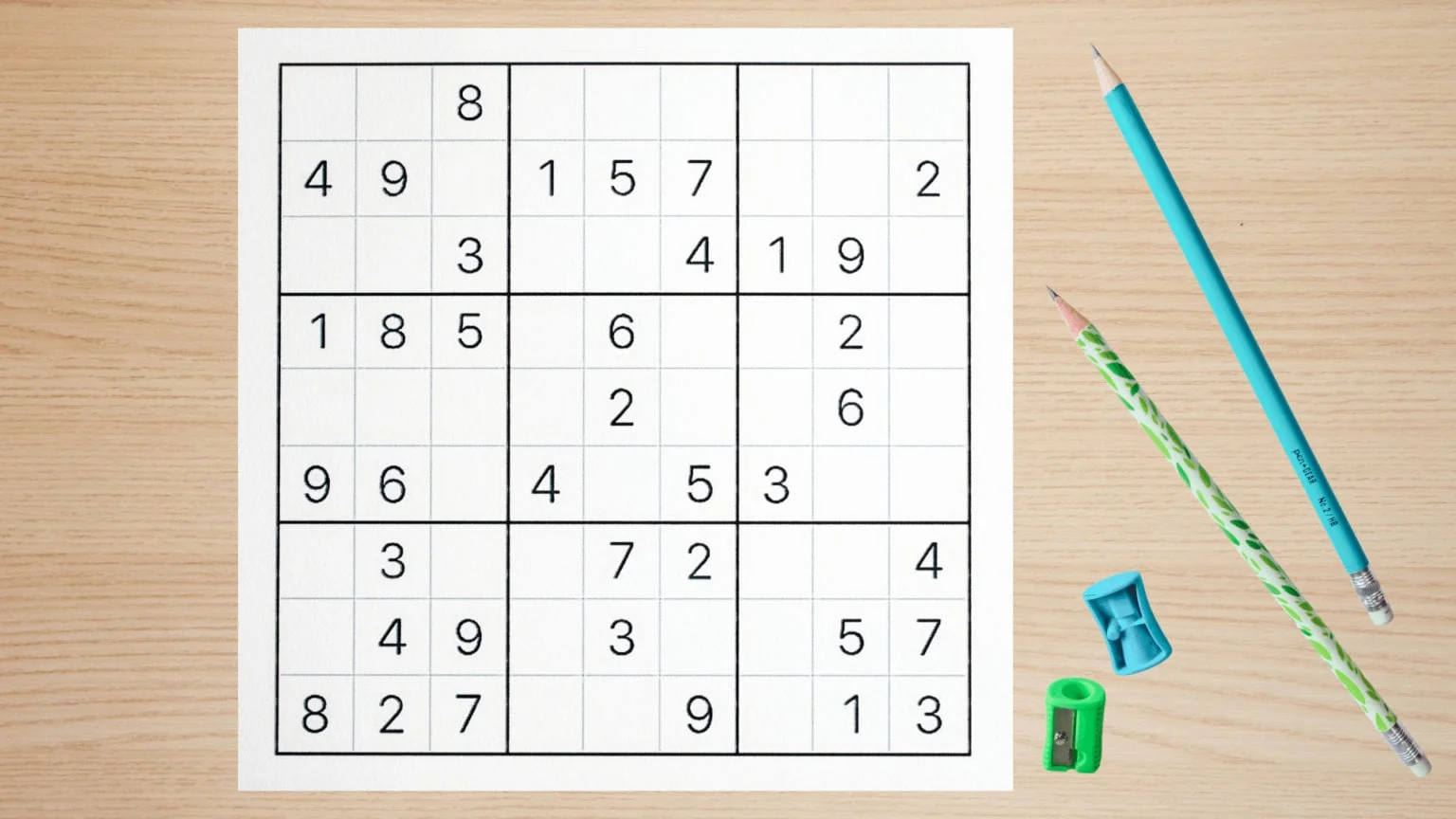
### Article: How to Generate a Sudoku Grid
Sudoku, a popular puzzle game, has captured the interest of puzzle enthusiasts worldwide. Generating a Sudoku grid can be a challenging task, but with the right techniques, you can create your own puzzles with ease. In this article, we will discuss the process of generating a Sudoku grid and explore the various methods available.
#### Step 1: Choose a Grid Size
The first step in generating a Sudoku grid is to choose the size of the grid. Sudoku puzzles come in various sizes, including 4×4, 9×9, and even larger grids. The most common size is 9×9, which is divided into nine 3×3 subgrids called regions.
#### Step 2: Fill the Diagonal Regions
A key feature of Sudoku is that the numbers in the diagonal regions must be unique. To start generating the grid, fill the diagonal regions with unique numbers. For a 9×9 grid, you will need to place numbers 1 to 9 in the diagonal regions.
#### Step 3: Fill the Remaining Cells
After filling the diagonal regions, proceed to fill the remaining cells in the grid. Ensure that each row, column, and region contains all the numbers from 1 to 9 without repetition.
#### Step 4: Apply the Sudoku Algorithm
There are several algorithms you can use to generate a valid Sudoku grid. Some popular methods include:
– **Backtracking Algorithm:** This algorithm involves placing numbers in the grid and backtracking if a number is found to be invalid.
– **Dancing Links Algorithm:** This algorithm is a variation of the backtracking algorithm and is known for its efficiency.
– **Constraint Propagation:** This method uses logical constraints to solve the puzzle.
#### Step 5: Check for Validity
Once you have filled the grid, it’s essential to check for validity. Ensure that each row, column, and region contains all the numbers from 1 to 9 without repetition. If any violations are found, go back and adjust the numbers accordingly.
#### FAQs
**Q: What is the best algorithm for generating a Sudoku grid?**
A: The best algorithm depends on your specific needs. The backtracking algorithm is simple to implement but may not be the most efficient for larger grids. The Dancing Links algorithm is known for its efficiency, while constraint propagation can be useful for more complex puzzles.
**Q: Can I generate a Sudoku grid without using any algorithms?**
A: Yes, it’s possible to generate a Sudoku grid manually without using algorithms. However, this can be a time-consuming process and may not guarantee a valid solution.
**Q: Are there any online tools to generate Sudoku grids?**
A: Yes, there are several online tools available for generating Sudoku grids. These tools can help you create puzzles of various sizes and difficulty levels.
**Q: How can I ensure the difficulty of the Sudoku puzzle?**
A: The difficulty of a Sudoku puzzle depends on the number of cells you leave blank. A puzzle with fewer blank cells will be more challenging to solve. You can adjust the difficulty by removing a different number of cells from the grid.
**Q: Can I use a Sudoku grid generator for commercial purposes?**
A: Yes, you can use a Sudoku grid generator for commercial purposes. However, it’s essential to check the terms and conditions of the generator to ensure that you are allowed to use the generated puzzles for commercial purposes.
By following these steps and FAQs, you can create your own Sudoku grids and share them with puzzle enthusiasts worldwide. Happy solving!