# Java Sudoku Solver: Checking If a Sudoku Grid Is Complete
## Overview
This article provides a comprehensive guide on how to use Java to create a Sudoku solver that checks if a Sudoku grid is complete. We will delve into the logic behind Sudoku, the importance of checking for a complete grid, and the implementation details using Java.
## Sudoku Basics
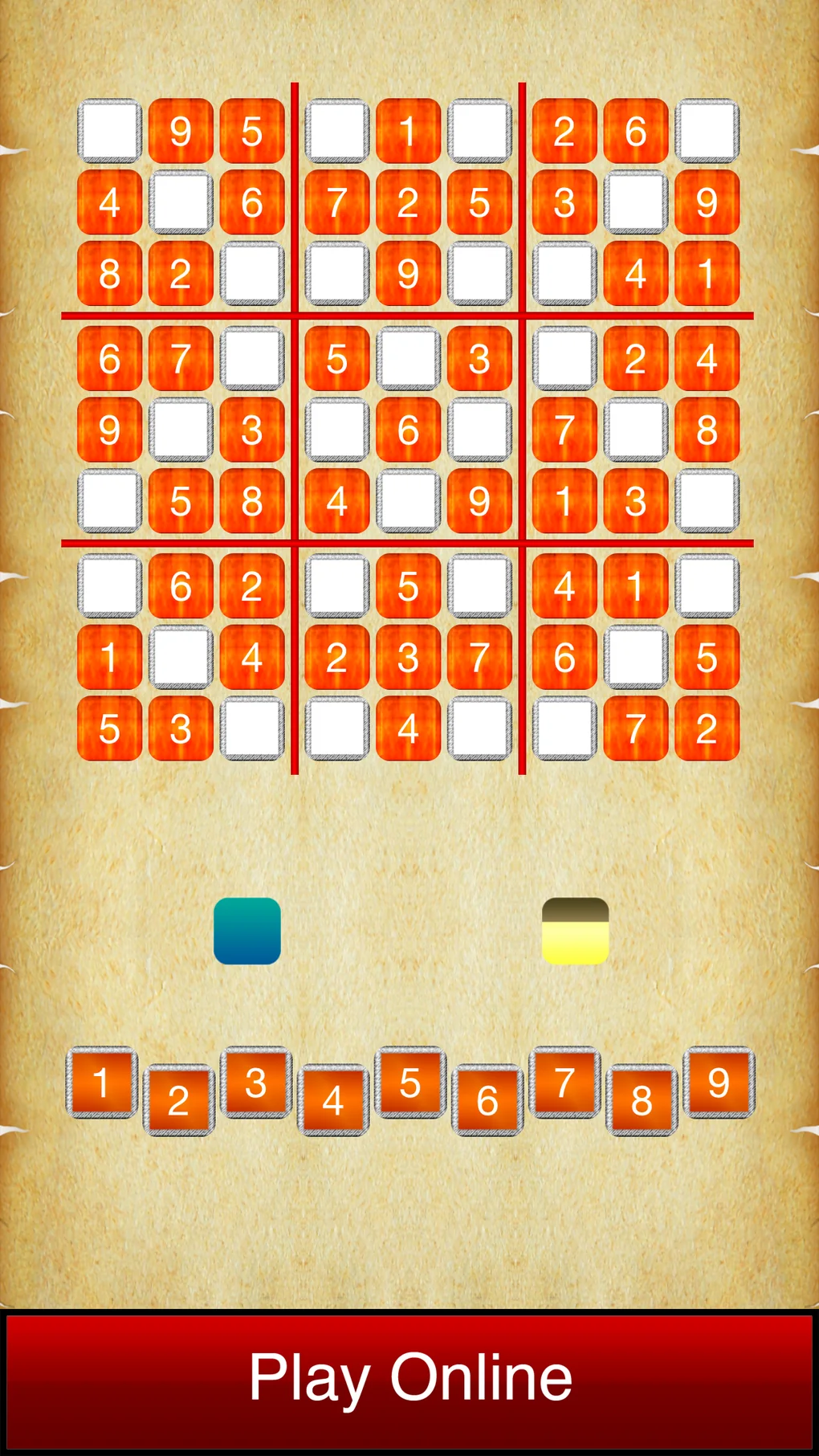
Sudoku is a logic-based combinatorial number-placement puzzle. The objective is to fill a 9×9 grid with digits so that each column, each row, and each of the nine 3×3 subgrids that compose the grid (also called “boxes”, “blocks”, or “regions”) contain all of the digits from 1 to 9. The puzzle setter provides a partially completed grid, which for a well-posed puzzle has a single solution.
## Why Check for a Complete Grid?
Ensuring that a Sudoku grid is complete is crucial for several reasons:
1. **Validation**: It helps in verifying the correctness of the input grid.
2. **User Experience**: It provides feedback to the user about the completeness of the puzzle.
3. **Solver Efficiency**: A complete grid allows the solver to function optimally without unnecessary checks.
## Java Sudoku Solver Implementation
### Prerequisites
Before diving into the code, ensure you have Java installed on your system. You will also need a basic understanding of Java programming.
### Key Components
1. **Grid Representation**: A 2D array or a custom class to represent the Sudoku grid.
2. **Validation Logic**: Functions to check if a number is already present in a row, column, or box.
3. **Completion Check**: A method to determine if the grid is complete.
### Sample Code
“`java
public class SudokuSolver {
private static final int SIZE = 9;
public static boolean isComplete(int[][] board) {
for (int row = 0; row < SIZE; row++) {
for (int col = 0; col < SIZE; col++) {
if (board[row][col] == 0) {
return false;
}
}
}
return true;
}
public static boolean isValid(int[][] board, int num, int row, int col) {
return !isPresent(board, num, row) && !isPresent(board, num, col) && !isPresent(board, num, row / 3 * 3 + col / 3);
}
private static boolean isPresent(int[][] board, int num, int index) {
for (int i = 0; i < SIZE; i++) {
if (board[index][i] == num) {
return true;
}
}
return false;
}
public static void main(String[] args) {
int[][] board = {
{5, 3, 0, 0, 7, 0, 0, 0, 0},
{6, 0, 0, 1, 9, 5, 0, 0, 0},
// ... rest of the board
};
if (isComplete(board)) {
System.out.println("The Sudoku grid is complete.");
} else {
System.out.println("The Sudoku grid is incomplete.");
}
}
}
```
## Frequently Asked Questions (FAQ)
### Q: How do I install Java on my computer?
A: Java can be downloaded from the official Oracle website or other trusted sources. Follow the installation instructions provided for your operating system.
### Q: What is the purpose of the `isPresent` method?
A: The `isPresent` method checks if a number already exists in a specific row, column, or 3x3 box of the Sudoku grid.
### Q: Can this solver solve Sudoku puzzles?
A: The provided code checks if a Sudoku grid is complete. To solve Sudoku puzzles, you would need to implement a backtracking algorithm or use a pre-existing library.
### Q: How can I modify the solver to accept user input?
A: You can use `Scanner` or `Console` classes to read user input and populate the Sudoku grid accordingly.
### Q: Is it possible to optimize the solver for larger grids?
A: Yes, the basic principles can be extended to larger grids by adjusting the size constants and the logic for checking rows, columns, and boxes.