### Sudoku Game in C: A Comprehensive Guide
#### Introduction to Sudoku in C
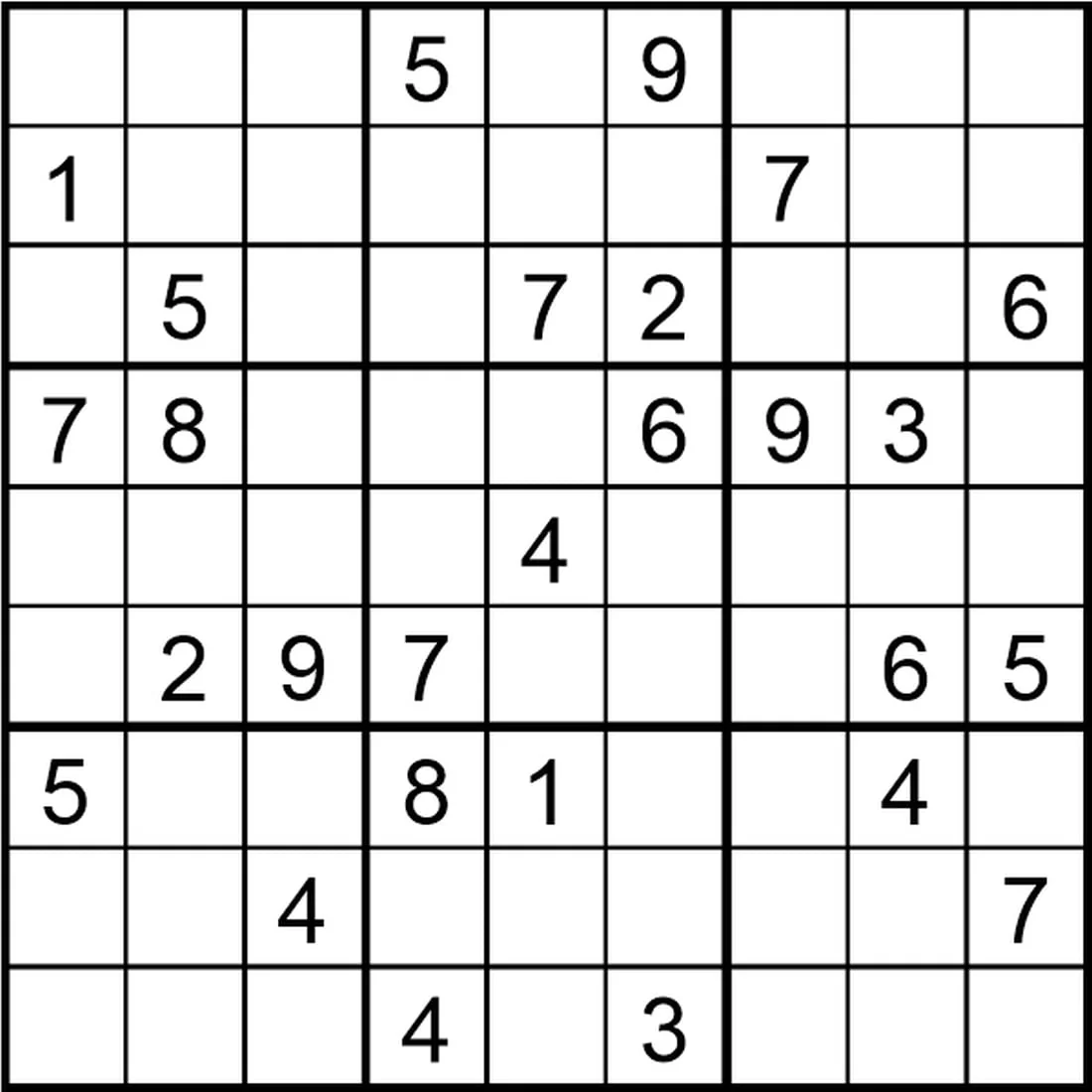
Sudoku is a popular puzzle game that requires players to fill a 9×9 grid with numbers so that each column, each row, and each of the nine 3×3 subgrids that compose the grid contain all of the digits from 1 to 9. In this article, we will explore how to create a Sudoku game using the C programming language.
#### Getting Started with Sudoku in C
To begin, you need to have a basic understanding of C programming. Here’s a step-by-step guide to creating a simple Sudoku game in C:
1. **Setup the Grid**: Initialize a 9×9 array to represent the Sudoku grid.
2. **Input Values**: Allow the user to input values for the grid cells.
3. **Validation**: Implement a function to validate the user’s input to ensure it adheres to Sudoku rules.
4. **Solving Algorithm**: Choose an algorithm to solve the Sudoku puzzle, such as backtracking.
5. **User Interface**: Create a user-friendly interface to interact with the game.
#### Writing the Code
Below is a simplified example of how you might structure the code for a Sudoku game in C:
“`c
#include
#include
#define SIZE 9
// Function prototypes
void printGrid(int grid[SIZE][SIZE]);
bool isValid(int grid[SIZE][SIZE], int row, int col, int num);
bool solveSudoku(int grid[SIZE][SIZE]);
int main() {
int grid[SIZE][SIZE] = {0};
// Initialize the grid with some values
// …
// Solve the Sudoku
if (solveSudoku(grid)) {
printGrid(grid);
} else {
printf(“No solution exists.\n”);
}
return 0;
}
void printGrid(int grid[SIZE][SIZE]) {
for (int i = 0; i < SIZE; i++) {
for (int j = 0; j < SIZE; j++) {
printf("%d ", grid[i][j]);
}
printf("\n");
}
}
bool isValid(int grid[SIZE][SIZE], int row, int col, int num) {
// Check if the number is not repeated in the current row, column, and 3x3 subgrid
// ...
return true; // Placeholder
}
bool solveSudoku(int grid[SIZE][SIZE]) {
int row, col;
bool isEmpty = true;
for (row = 0; row < SIZE; row++) {
for (col = 0; col < SIZE; col++) {
if (grid[row][col] == 0) {
isEmpty = false;
break;
}
}
if (!isEmpty) {
break;
}
}
if (isEmpty) {
return true; // Puzzle solved
}
for (int num = 1; num <= SIZE; num++) {
if (isValid(grid, row, col, num)) {
grid[row][col] = num;
if (solveSudoku(grid)) {
return true;
}
grid[row][col] = 0; // Reset the value
}
}
return false; // Trigger backtracking
}
```
#### Frequently Asked Questions (FAQ)
**Q: What is the best algorithm to solve Sudoku in C?**
A: The backtracking algorithm is a common and efficient method for solving Sudoku puzzles in C. It systematically tries different values in empty cells and backtracks when it encounters a contradiction.
**Q: How can I make the Sudoku game more challenging?**
A: You can increase the difficulty by providing fewer starting values or implementing more complex algorithms that can solve puzzles with fewer clues.
**Q: Can I use a Sudoku solver in C for competitive programming?**
A: Yes, a Sudoku solver in C can be a valuable tool for competitive programming. It can help you quickly verify solutions and can be integrated into larger algorithms.
**Q: What are the memory requirements for a Sudoku game in C?**
A: The memory requirements for a Sudoku game in C are relatively low, as it only needs to store a 9x9 grid and a few variables for tracking the game state.
**Q: Can I create a Sudoku game in C with a graphical user interface (GUI)?**
A: Yes, you can create a Sudoku game with a GUI in C using libraries like SDL or GTK+. These libraries provide functions to handle window creation, mouse input, and rendering graphics.
By following these guidelines and using the provided code as a starting point, you can develop your own Sudoku game in C. Happy coding!