### Genina Sudoku for Mac: A Comprehensive Guide
#### Overview
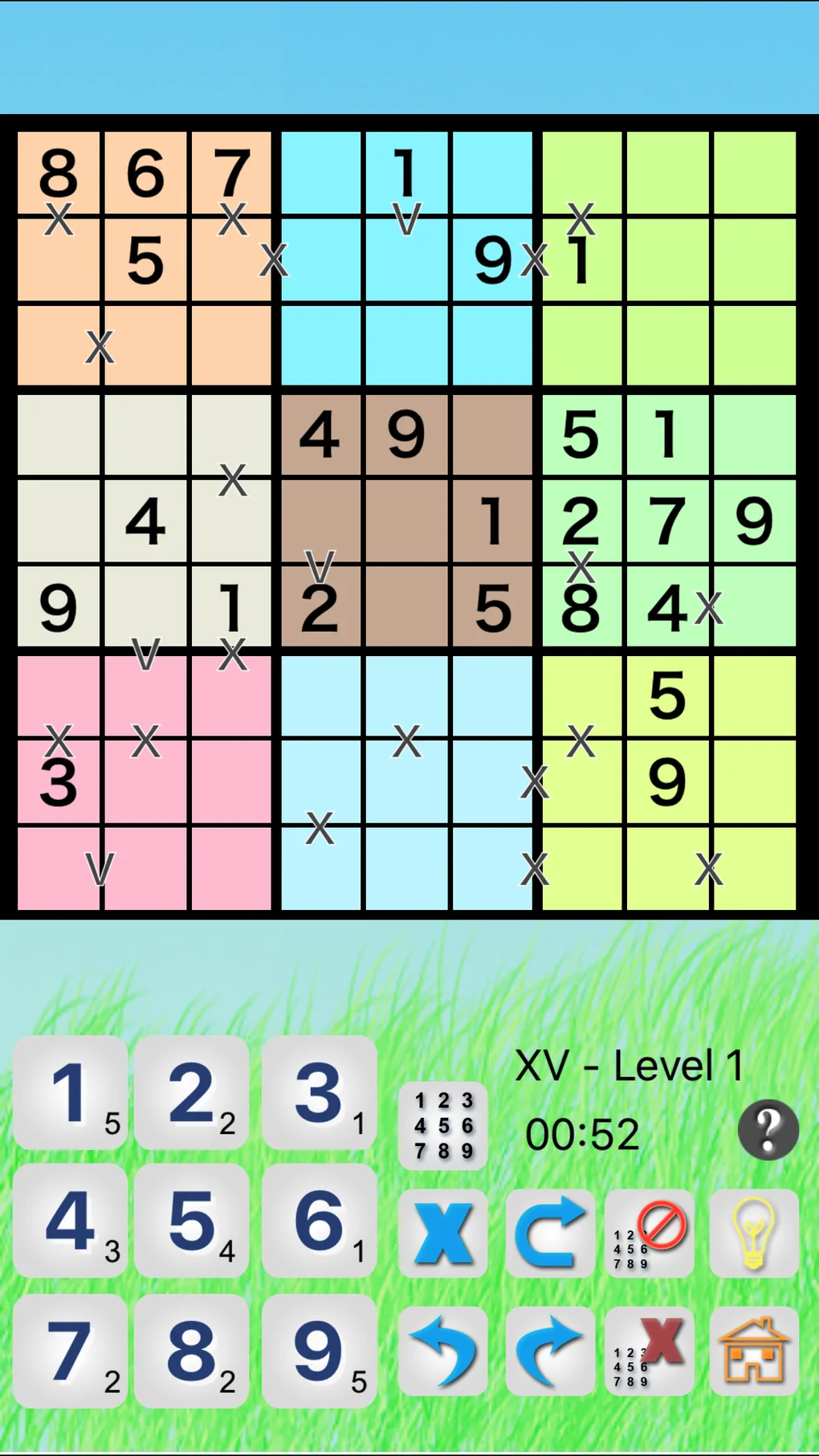
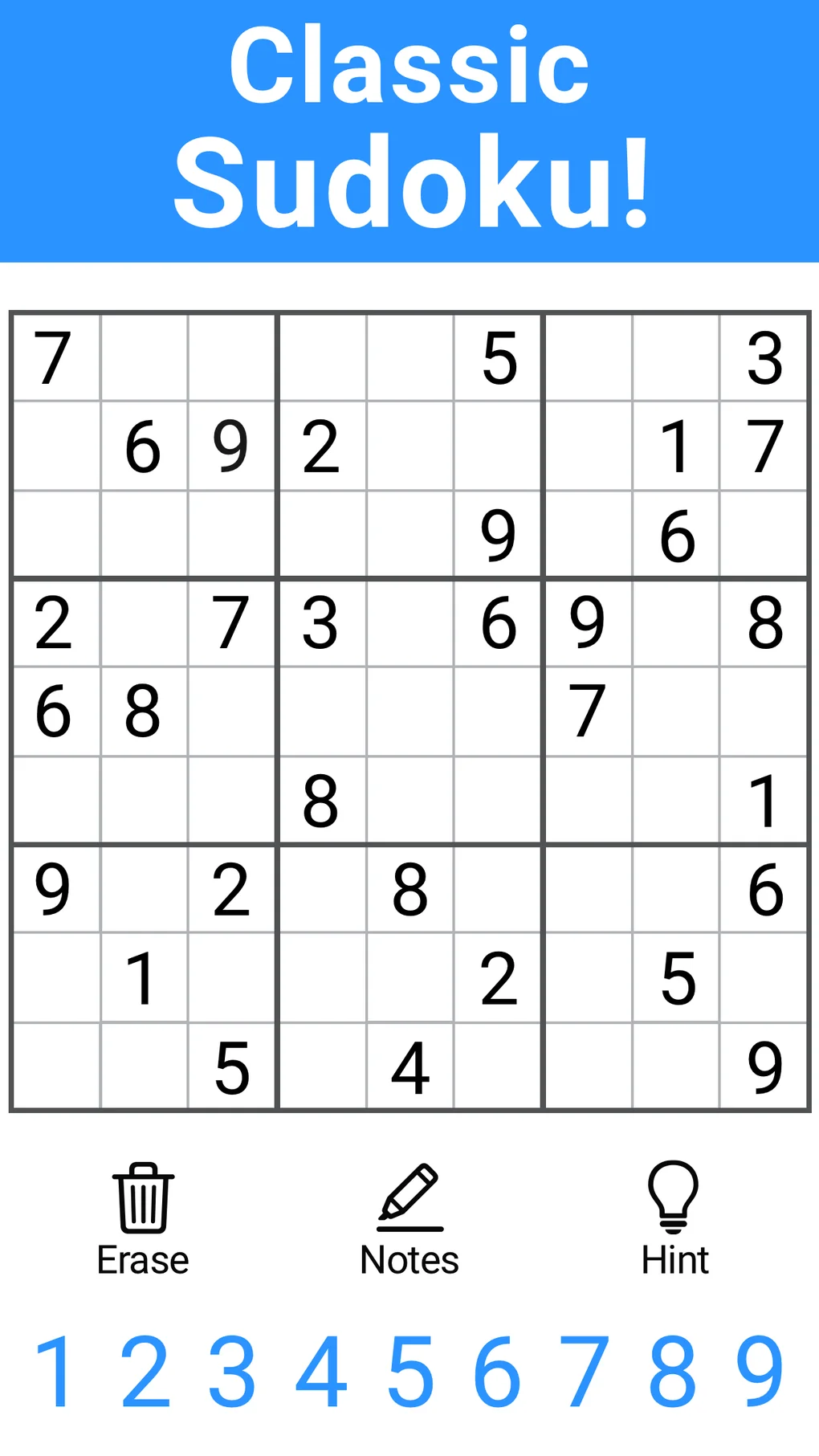
Genina Sudoku for Mac is a popular puzzle game that challenges players to fill a 9×9 grid with numbers so that each column, each row, and each of the nine 3×3 subgrids that compose the grid contain all of the digits from 1 to 9. This article will provide an in-depth look at the game, its features, and how to get started.
#### Features of Genina Sudoku for Mac
1. **User-friendly Interface**: Genina Sudoku for Mac boasts an intuitive and easy-to-navigate interface, making it accessible for players of all skill levels.
2. **Customizable Difficulty Levels**: From easy to expert, Genina Sudoku offers a variety of difficulty levels to cater to different player preferences.
3. **Hint System**: The game includes a helpful hint system that can guide players through particularly challenging puzzles.
4. **Timer**: Track your progress with a built-in timer, perfect for those who enjoy a bit of competition.
5. **Save and Load Games**: Save your progress at any time and return to it later, or load a saved game to continue from where you left off.
6. **High Scores**: Compete with friends or yourself by tracking your high scores.
#### How to Install and Start Playing
1. **Download the Game**: Visit the Genina Sudoku website to download the Mac version of the game.
2. **Install the Game**: Follow the installation instructions provided on the download page.
3. **Launch the Game**: Once installed, open Genina Sudoku and start playing.
4. **Choose a Difficulty Level**: Select the difficulty level that suits your skill level.
5. **Start Solving**: The game will generate a new Sudoku puzzle for you to solve.
#### Frequently Asked Questions (FAQ)
**Q: Is Genina Sudoku for Mac free?**
A: Genina Sudoku for Mac is available for purchase. However, there may be a free trial version available for download.
**Q: Can I play Genina Sudoku online?**
A: Yes, Genina Sudoku for Mac allows you to play both offline and online. If you have an internet connection, you can access additional features and challenges.
**Q: Can I use a keyboard to play Genina Sudoku?**
A: Absolutely. Genina Sudoku for Mac supports keyboard input, making it easy to enter numbers and navigate the game.
**Q: Can I share my progress with friends?**
A: Yes, you can share your progress and high scores with friends. The game includes social features that allow you to connect with other players.
**Q: Is there a tutorial available to help me learn how to play?**
A: Yes, Genina Sudoku for Mac includes a tutorial that guides you through the basics of playing the game.
**Q: Can I print out Sudoku puzzles from the game?**
A: Unfortunately, Genina Sudoku for Mac does not have a print feature. However, you can take screenshots of puzzles to print them using your Mac’s default screenshot tools.
**Q: How do I contact customer support if I have issues with the game?**
A: You can reach out to customer support via the Genina Sudoku website. Look for the “Support” or “Contact Us” section to find the appropriate contact information.