# Java Sudoku Solver: A Comprehensive Guide
## Overview
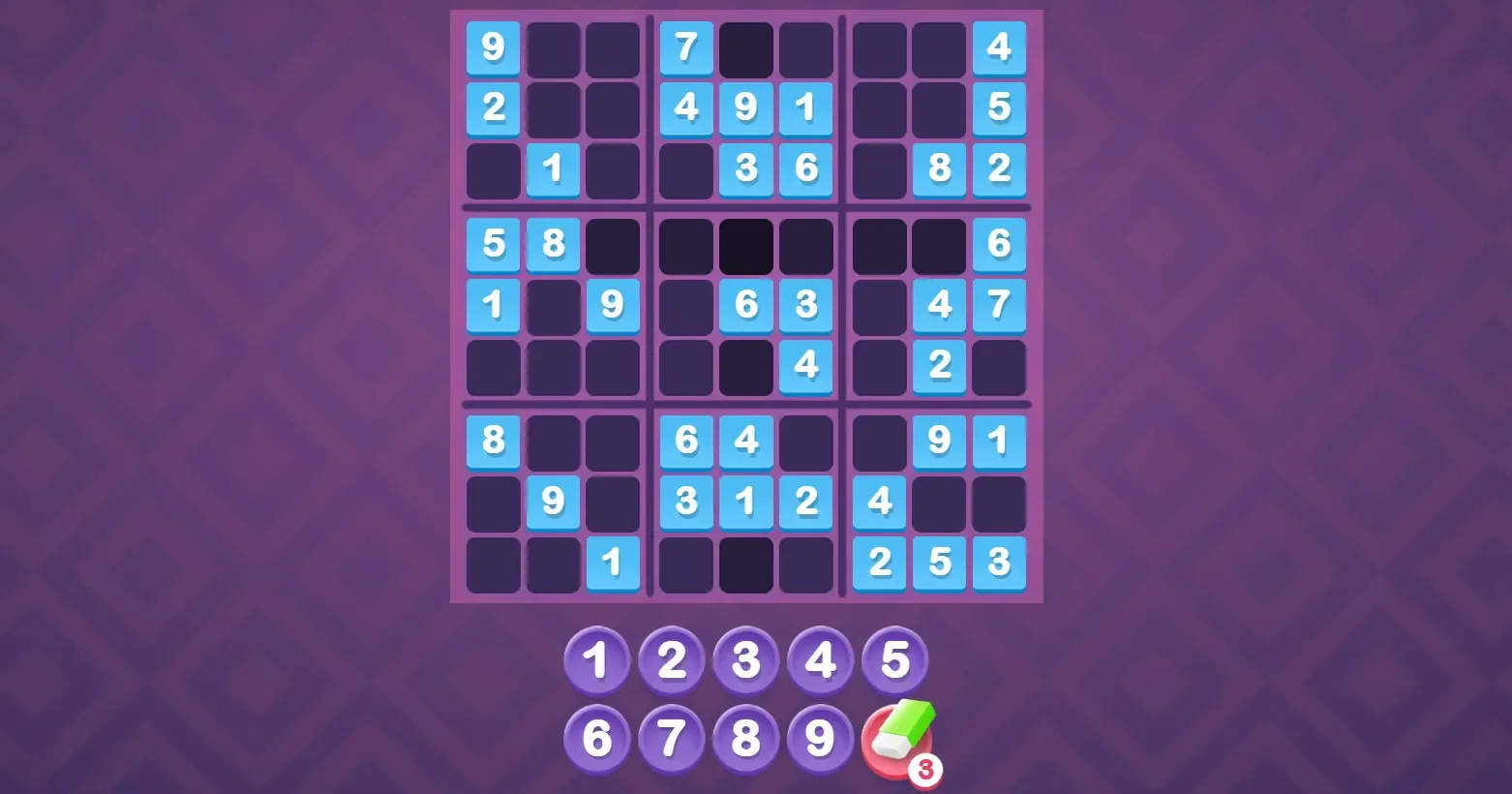
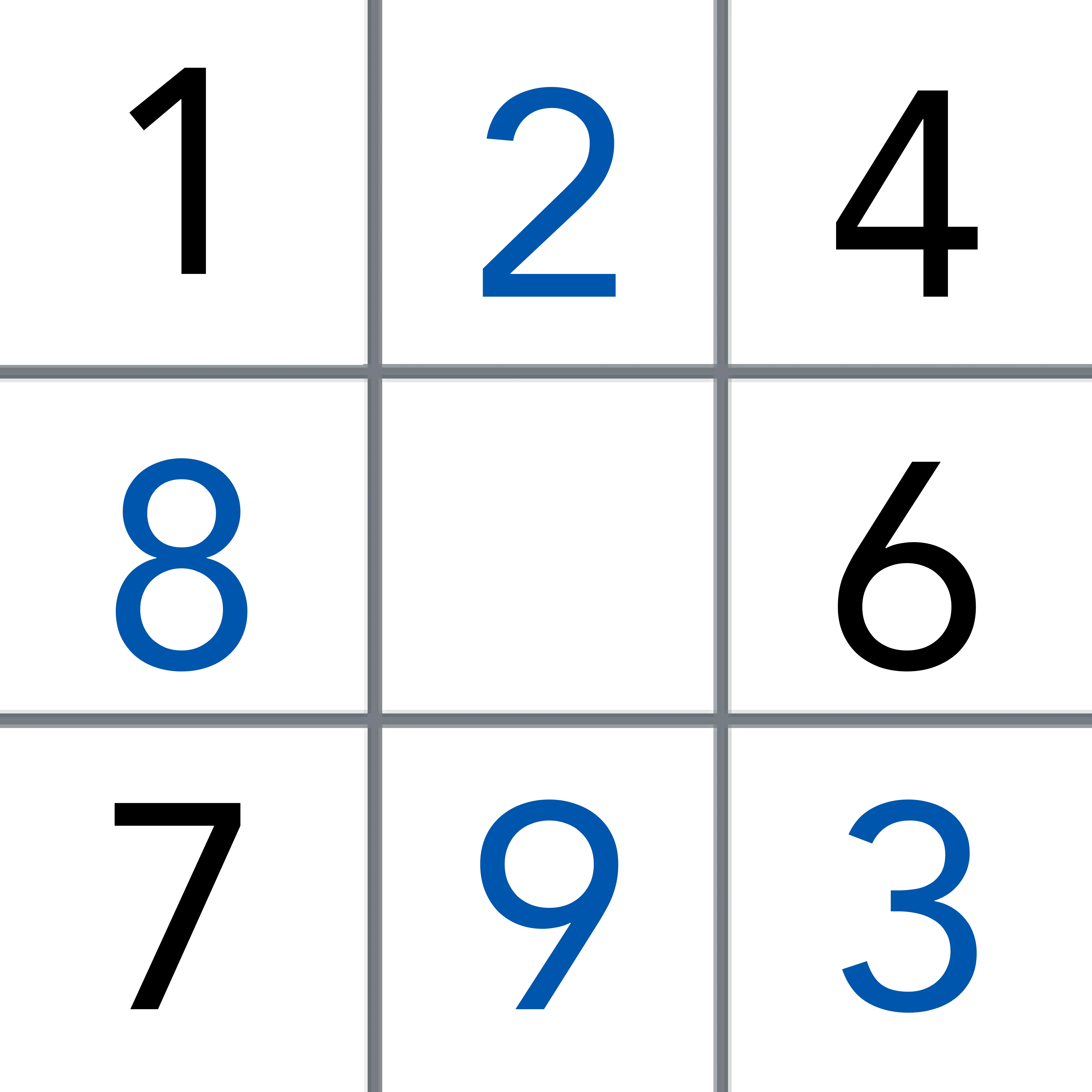
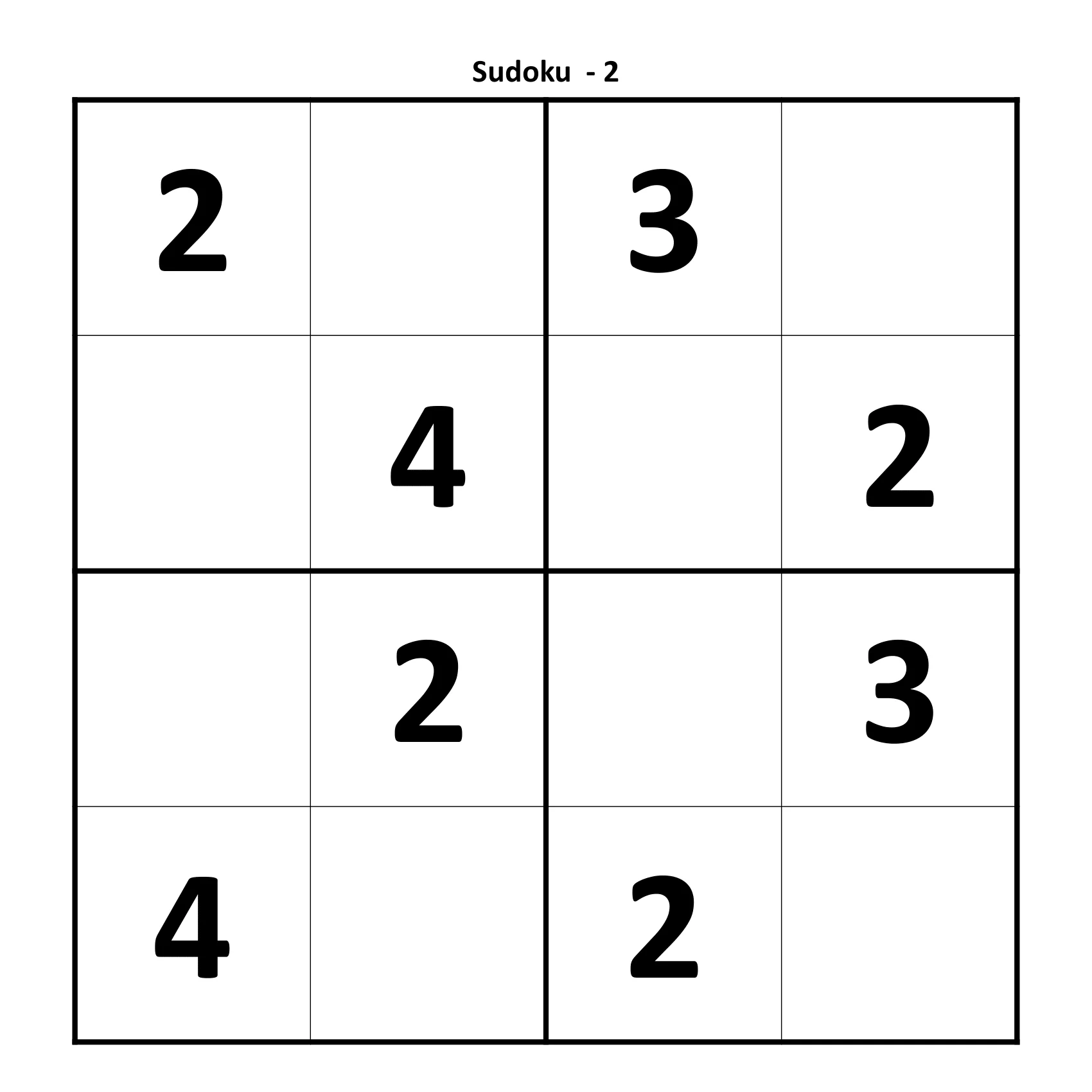
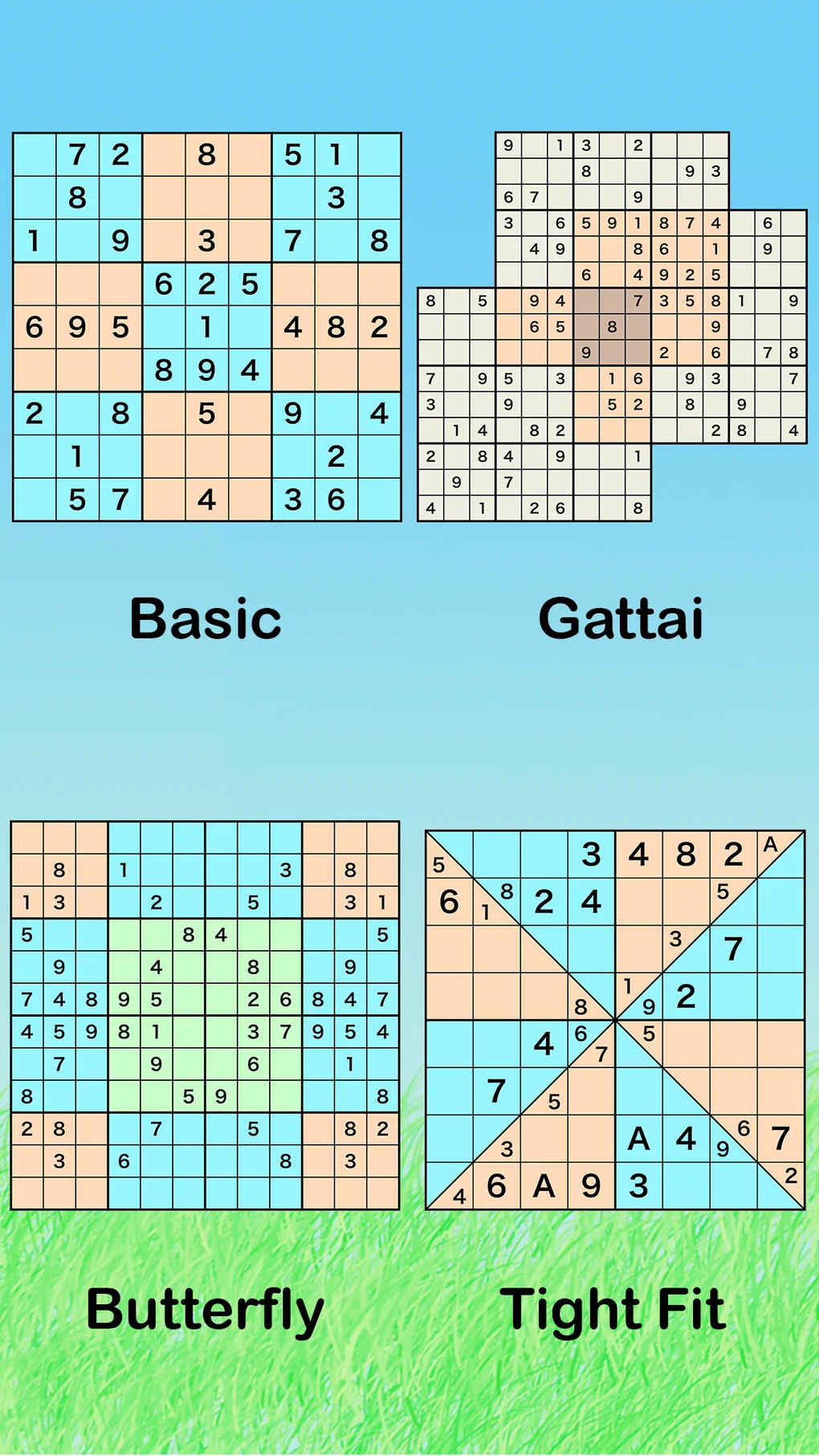
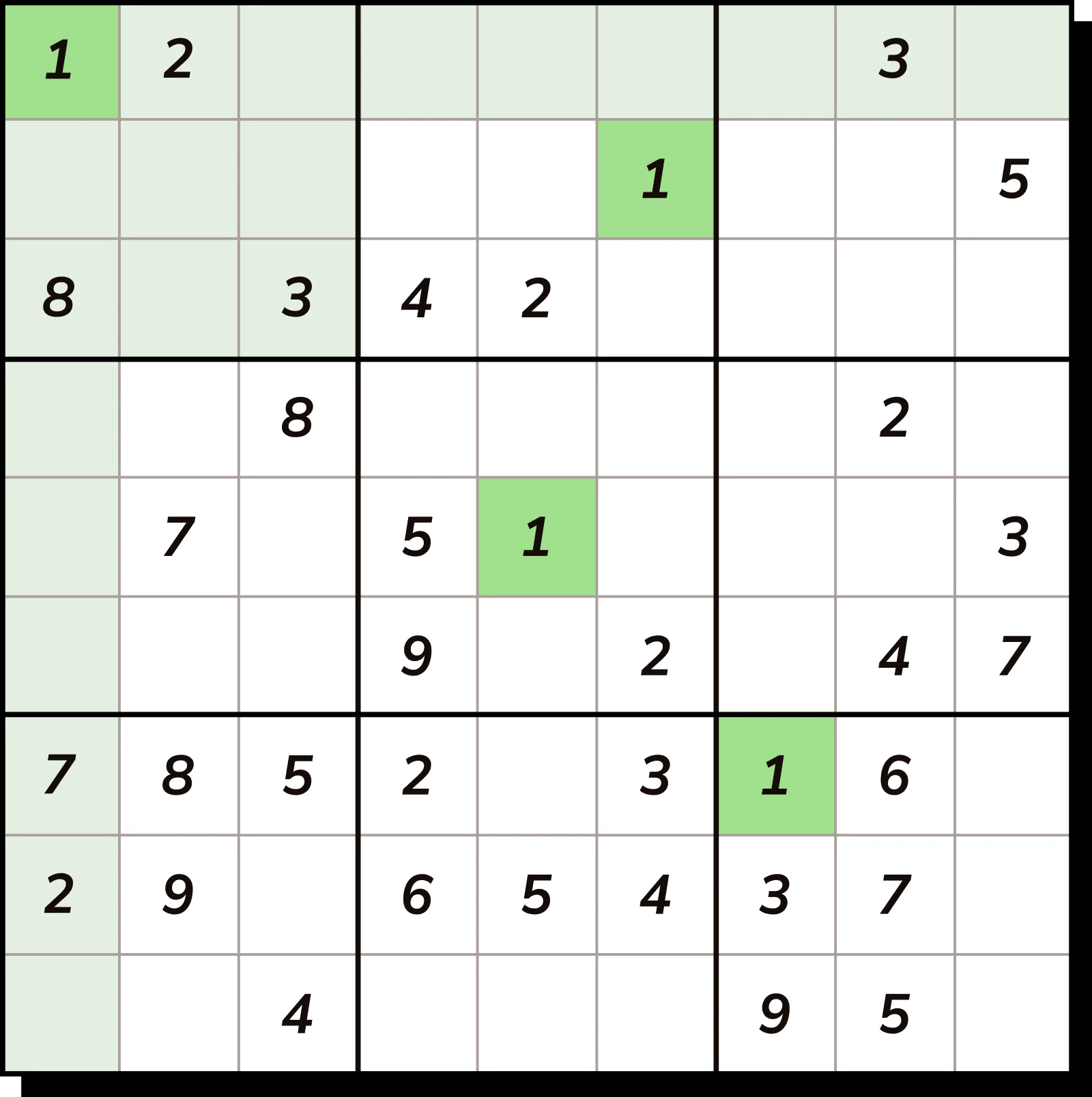
In this article, we will delve into the creation of a Sudoku solver in Java. Sudoku is a popular logic-based combinatorial number-placement puzzle. The objective is to fill a 9×9 grid with digits so that each column, each row, and each of the nine 3×3 subgrids that compose the grid contain all of the digits from 1 to 9. A Java Sudoku solver can be an excellent project for enhancing your programming skills, especially in areas like recursion, backtracking, and data structures.
## Getting Started
### Prerequisites
Before you begin, ensure you have the following prerequisites:
– Java Development Kit (JDK) installed on your system.
– A text editor or an Integrated Development Environment (IDE) like IntelliJ IDEA or Eclipse.
### Setting Up the Project
1. Create a new Java project in your IDE.
2. Define a class named `SudokuSolver`.
3. Inside the class, create a 2D array to represent the Sudoku grid.
“`java
public class SudokuSolver {
private static final int GRID_SIZE = 9;
private int[][] grid = new int[GRID_SIZE][GRID_SIZE];
}
“`
## Core Logic
### Grid Initialization
The first step is to initialize the grid with the given puzzle. You can do this by setting the values of the grid based on the input provided.
“`java
public void setGrid(int[][] puzzle) {
for (int i = 0; i < GRID_SIZE; i++) {
for (int j = 0; j < GRID_SIZE; j++) {
grid[i][j] = puzzle[i][j];
}
}
}
```
### Checking Validity
To ensure that a number can be placed in a specific cell, we need to check its validity. This involves checking the row, column, and the 3x3 subgrid.
```java
public boolean isValid(int row, int col, int num) {
for (int x = 0; x < GRID_SIZE; x++) {
if (grid[row][x] == num || grid[x][col] == num) {
return false;
}
}
int startRow = row - row % 3;
int startCol = col - col % 3;
for (int i = startRow; i < startRow + 3; i++) {
for (int j = startCol; j < startCol + 3; j++) {
if (grid[i][j] == num) {
return false;
}
}
}
return true;
}
```
### Recursive Backtracking
The core of the Sudoku solver is the recursive backtracking algorithm. This algorithm tries to place a number in an empty cell and then moves to the next cell. If it reaches a point where no number can be placed, it backtracks to the previous cell and tries a different number.
```java
public boolean solveSudoku() {
for (int row = 0; row < GRID_SIZE; row++) {
for (int col = 0; col < GRID_SIZE; col++) {
if (grid[row][col] == 0) {
for (int num = 1; num <= GRID_SIZE; num++) {
if (isValid(row, col, num)) {
grid[row][col] = num;
if (solveSudoku()) {
return true;
}
grid[row][col] = 0;
}
}
return false;
}
}
}
return true;
}
```
## Conclusion
Creating a Sudoku solver in Java can be a rewarding exercise in algorithm design and problem-solving. The recursive backtracking approach is a classic example of how to tackle combinatorial puzzles. By following the steps outlined in this guide, you should be able to develop a robust Sudoku solver that can handle various puzzles.
## FAQ
**Q1: What is Sudoku?**
A1: Sudoku is a logic-based combinatorial number-placement puzzle. The goal is to fill a 9x9 grid with digits so that each row, column, and 3x3 subgrid contain all of the digits from 1 to 9.
**Q2: What is backtracking?**
A2: Backtracking is a general algorithm for finding all (or some) solutions to some computational problems, notably constraint satisfaction problems, that incrementally builds candidates to the solutions, and abandons a candidate ("backtracks") as soon as it determines that the candidate cannot possibly be completed to a valid solution.
**Q3: Can this solver handle puzzles with multiple solutions?**
A3: Yes, the solver can handle puzzles with multiple solutions. It will find all possible solutions and print them out.
**Q4: How can I use this solver to solve a puzzle?**
A4: You can create an instance of the `SudokuSolver` class, set the initial puzzle, and then call the `solveSudoku()` method to solve it.
**Q5: Are there any limitations to this solver?**
A5: The current implementation is a basic backtracking solver and may not be the most efficient for certain puzzles. It can also be slow for puzzles with very few clues.