### Sudoku Game in Python 3: A Comprehensive Guide
#### Introduction to Sudoku in Python 3
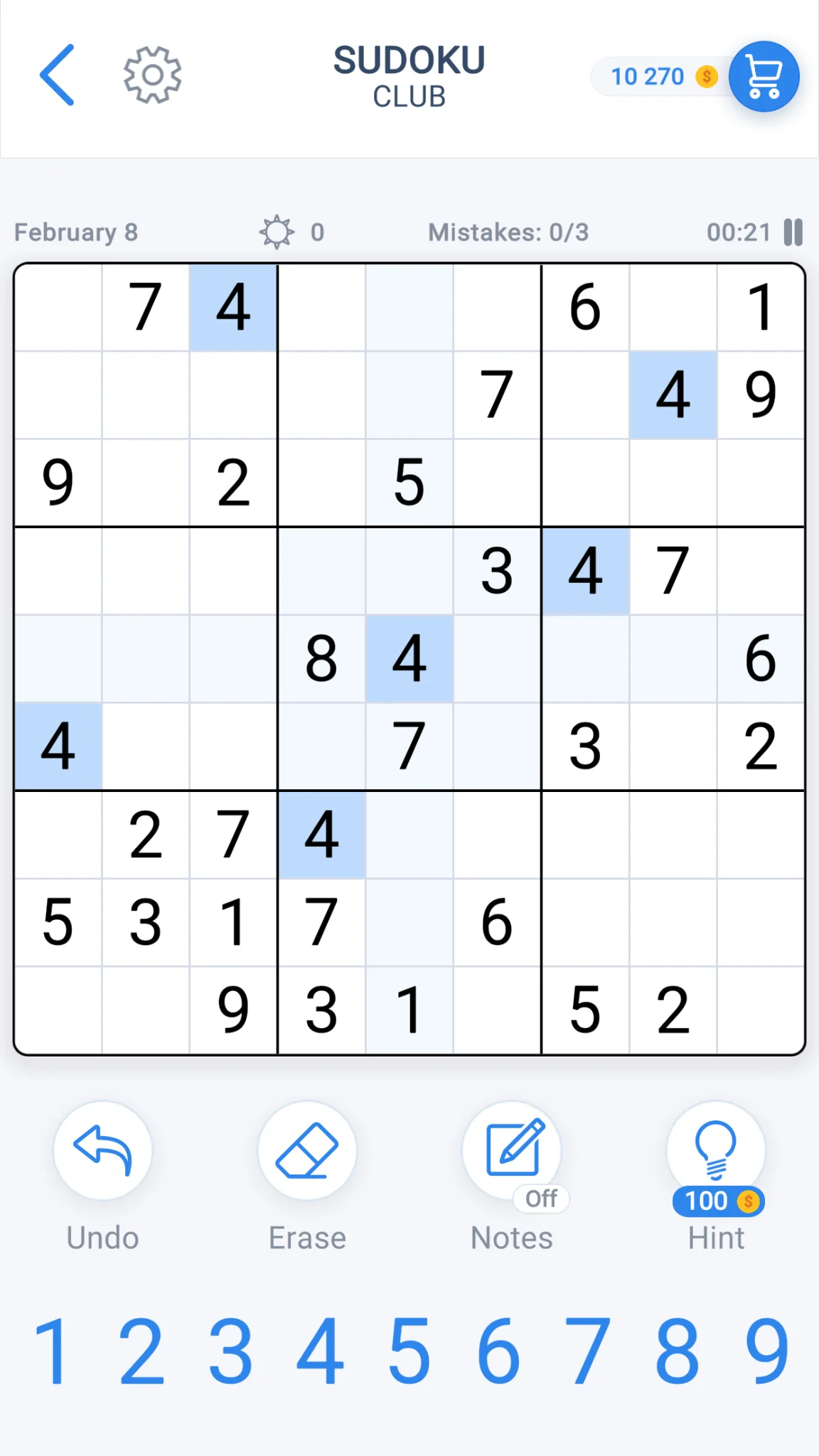
Sudoku is a popular puzzle game that requires players to fill a 9×9 grid with numbers so that each column, each row, and each of the nine 3×3 subgrids that compose the grid contain all of the digits from 1 to 9. Python, being a versatile programming language, offers a variety of ways to implement Sudoku. In this article, we will explore how to create a Sudoku game in Python 3.
#### Setting Up the Sudoku Grid
To start, we need to set up the Sudoku grid. A common approach is to use a 2D list (or array) to represent the grid. Each cell in the grid can be initialized to 0, indicating that it is empty.
“`python
grid = [[0 for _ in range(9)] for _ in range(9)]
“`
#### Generating a Sudoku Puzzle
Creating a Sudoku puzzle involves filling the grid with numbers while ensuring that the rules of Sudoku are followed. One common method is to use a backtracking algorithm.
“`python
def is_valid(grid, row, col, num):
for x in range(9):
if grid[row][x] == num or grid[x][col] == num:
return False
start_row, start_col = 3 * (row // 3), 3 * (col // 3)
for i in range(3):
for j in range(3):
if grid[i + start_row][j + start_col] == num:
return False
return True
def solve_sudoku(grid):
for row in range(9):
for col in range(9):
if grid[row][col] == 0:
for num in range(1, 10):
if is_valid(grid, row, col, num):
grid[row][col] = num
if solve_sudoku(grid):
return True
grid[row][col] = 0
return False
return True
def generate_puzzle(grid, difficulty):
# Implement puzzle generation logic based on difficulty
pass
“`
#### Playing the Sudoku Game
Once the puzzle is generated, you can allow users to interact with the game. You can use the `curses` library in Python to create a text-based interface for the game.
“`python
import curses
def print_grid(stdscr, grid):
for i in range(9):
for j in range(9):
stdscr.addstr(i, j * 2, str(grid[i][j]) + ” “)
stdscr.addstr(i, 18, “|”)
def main(stdscr):
curses.curs_set(0)
stdscr.nodelay(1)
stdscr.clear()
grid = [[0 for _ in range(9)] for _ in range(9)]
# Load the puzzle into the grid
# …
while True:
print_grid(stdscr, grid)
key = stdscr.getch()
# Handle user input
# …
if key == ord(‘q’):
break
curses.wrapper(main)
“`
#### Frequently Asked Questions (FAQ)
**Q: How do I install the necessary libraries for the Sudoku game?**
A: You can install the `curses` library, which is a standard library in Python, using the following command:
“`bash
pip install curses
“`
**Q: Can I create custom difficulty levels for the Sudoku puzzles?**
A: Yes, you can modify the `generate_puzzle` function to create puzzles of different difficulties. This function can be adjusted to remove numbers from the grid based on the desired difficulty level.
**Q: How can I check if the user has solved the puzzle correctly?**
A: You can implement a function that compares the user’s grid with the original solved grid. If they match, the user has solved the puzzle correctly.
**Q: What is the best algorithm for solving Sudoku puzzles?**
A: The backtracking algorithm, as demonstrated in the `solve_sudoku` function, is a common and effective method for solving Sudoku puzzles. It is efficient for most puzzles and can be adapted for different levels of difficulty.
**Q: Can I use this Sudoku game for educational purposes?**
A: Absolutely! The Sudoku game in Python 3 can be a great tool for educational purposes, helping students learn about algorithms, data structures, and user interface design.